
Residential installation
Households, landlords, and tenants arranging Starlink for a home, duplex, or apartment.
Home survey, roof or wall mounting, tidy cable routes, and a clear handover for Starlink at your house or apartment.

Overview
Plan for the actual environment
A home Starlink install is mostly a question of where the dish sits and how the cable gets to the router. In Nigerian homes that usually means thinking about a concrete roof slab, a pitched sheet or tile roof, a boundary wall, or a pole beside the building, then keeping the dish clear of water tanks, palm trees, neighbouring blocks, and parapet walls that block the sky. We look at the sky view first, then plan a cable path that avoids sharp bends, avoids standing water, and ends at a sensible spot near the indoor router and a stable power point. Estates and gated communities often have rules about visible equipment, so we ask about those early rather than after drilling has started. When the job is done you get a plain walkthrough of the router, the Starlink app, and what to check if the connection drops.
Local mounting, access, and weather notes are published for confirmed service areas across Nigeria.
Fit and scope
Who this is for
- Detached houses, duplexes, and estate homes with a usable roof or wall
- Apartments where the landlord or facility manager allows external mounting
- Homes where trees, tall neighbours, or water tanks make dish placement a real decision
- Households that want cabling kept neat and weatherproofed rather than trailing across walls
What the service covers
- Sky-view and obstruction check at candidate mounting positions
- Mounting hardware fitted to the roof, wall, or pole you agree on
- Cable route planned and fixed, with entry points sealed against rain and insects
- Indoor connection of the router and a first-run check in the Starlink app
- Short handover on moving the router, restarting, and basic troubleshooting
Requirements and boundaries
What we typically need from you
- Access to the roof or wall area and to the room where the router will sit
- Estate, landlord, or management approval where mounting is restricted
- An active Starlink account and kit, unless supply is agreed with us separately
- A reliable power point at the router location
Important limits
- Where the dish can go is decided by sky view and building rules, not by preference alone
- Some roofs or walls may not suit drilling; alternative mounts add scope and are agreed first
- Speeds depend on Starlink service conditions and plan, not on the installer
- Roofing, structural, or electrical repairs are outside this service unless separately scoped
How it usually works
The final sequence is agreed around the site, access, equipment, and service scope.
- 1
Tell us the address, building type, and whether you already have a kit
- 2
We review sky view, mounting options, and the cable path, either from photos or on a visit
- 3
Agree the mount position, cable route, and scope before work starts
- 4
Install, seal, and connect the equipment, then test on site
- 5
Handover covering router placement, app use, and who to contact if something changes
Related products
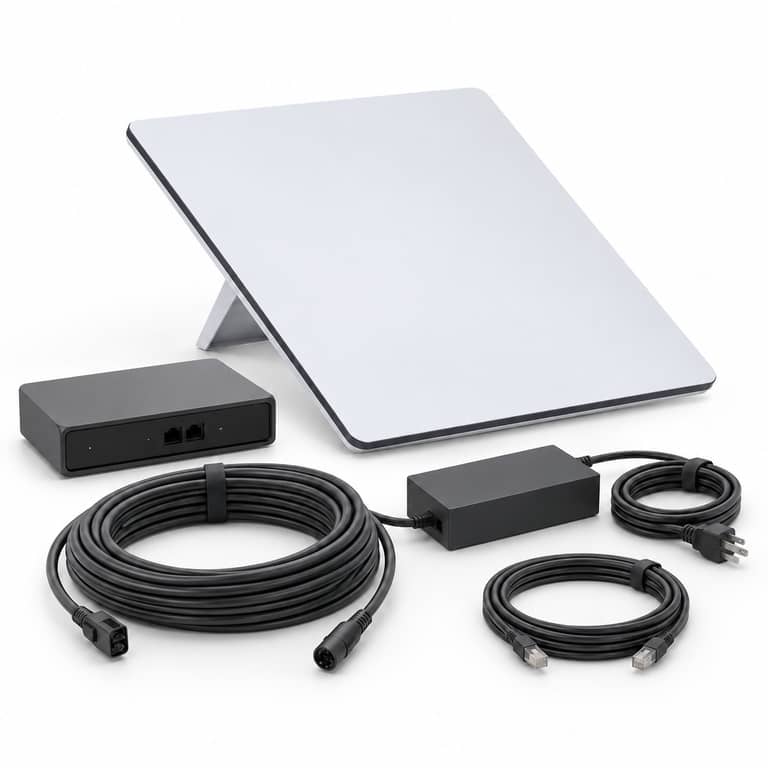
Starlink Gen3 v4 Standard Dish
View product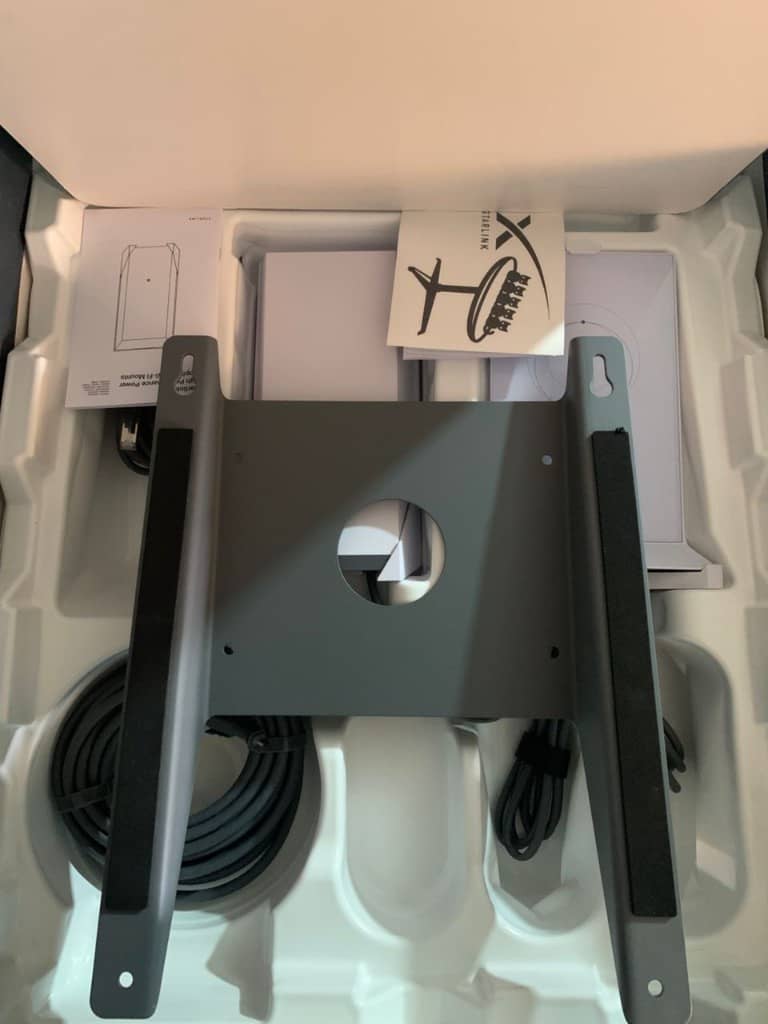
Starlink Pivot Mounting Accessories
View product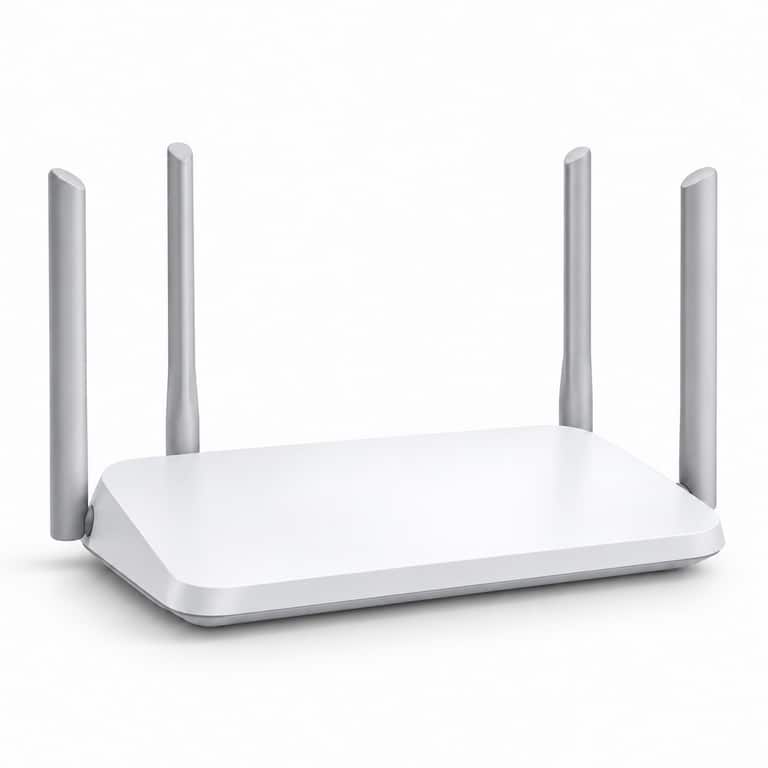
Starlink Mesh Router
View product


Questions about this service
Do you check the sky view before mounting?
Yes. Obstructions are the most common reason a home install underperforms, so we check the candidate positions before fixing anything. The Starlink app can help, but a physical check on the roof is more reliable.
Can the dish go on a rented apartment building?
Often, but it depends on the landlord or facility manager. We recommend getting their approval first and can tell you what to ask for.
What if I already bought the kit?
That is fine. We can take a kit you already own and handle mounting, cabling, and handover, provided it is complete and the account is yours.
Talk through residential installation
Contact Skylink with the location, equipment, and requirement for residential installation. Online form submission remains unavailable until delivery is configured.